Smart Home Setup Guide For Beginners
Smart Home Setup Guide for Beginners
Quick Answer
Setting up a smart home involves selecting compatible devices, establishing a central hub, and ensuring a reliable Wi-Fi network. Start with essential devices like smart speakers, smart bulbs, and a hub, then expand based on your lifestyle and needs.
Understanding Smart Home Basics
What is a Smart Home?
A smart home integrates technology into household devices to enhance convenience, efficiency, and security. You can control devices remotely via smartphones or voice commands, automating everyday tasks.
Key Components of a Smart Home
- Smart Hub: The central controller for your smart devices. Think Samsung SmartThings or Amazon Echo.
- Devices: Smart bulbs, outlets, thermostats, and security cameras. A smart plug is the cheapest way to make a dumb appliance smart, so it’s usually the best second purchase.
- Wi-Fi Network: A strong, secure connection is essential for devices to talk to each other.
Choosing Your Smart Home Hub
Popular Smart Hubs
| Hub Name | Compatibility | Price Tier | Best For |
|---|---|---|---|
| Amazon Echo Dot (5th Gen) | Alexa | Budget | Voice control |
| Google Nest Hub (2nd Gen) | Google Assistant | Mid-range | Google ecosystem |
| Samsung SmartThings | Multi-platform | Budget | Versatility |
- Pros: Central control, automation capabilities, voice assistance.
- Cons: May require additional setup, compatibility issues with some devices.
My take: For beginners, go with the Echo Dot (5th Gen). It’s user-friendly and plays nice with most devices you’ll want to add later. We go deeper on this decision in our best smart home hub for beginners guide.
Essential Smart Devices to Start With
Smart Speakers
Smart speakers like the Amazon Echo and Google Nest Audio give you voice control and act as a hub for other devices. Plus, they stream music and answer random questions at 2 AM.
Smart Lighting
Smart bulbs like Philips Hue or Wyze Bulbs let you control brightness and color from your phone.
| Bulb Name | Type | Price Tier | Color Options |
|---|---|---|---|
| Philips Hue White and Color Ambiance A19 (2-Pack) | LED | Mid-range | 16 million colors |
| Wyze Bulbs | LED | Budget | 2700K to 6500K |
- Pros: Energy-efficient, customizable ambiance.
- Cons: Philips Hue requires its own hub for full functionality.
Honestly? Unless you’re really into mood lighting, the Wyze bulbs offer 90% of the functionality at a third of the price.
Smart Thermostats
The Google Nest Learning Thermostat (4th Gen) or ecobee Smart Thermostat Premium can optimize heating and cooling, potentially cutting your energy bills — ENERGY STAR notes that heating and cooling is roughly half a typical household’s energy bill.
| Thermostat Name | Compatibility | Price Tier | Energy Savings |
|---|---|---|---|
| Google Nest Learning Thermostat (4th Gen) | Wi-Fi | Premium | 10-12% annually |
| ecobee Smart Thermostat Premium | Wi-Fi | Premium | 23% annually |
- Pros: Automated scheduling, remote control.
- Cons: Higher upfront cost than traditional thermostats.
The ecobee’s energy savings claims are impressive, though your mileage will vary based on your current thermostat and habits.
Setting Up Your Smart Home
Step-by-Step Setup
- Establish Your Wi-Fi Network: Make sure your Wi-Fi is solid—ideally with a mesh system for larger homes. You’ll want at least 25 Mbps for smooth operation.
- Choose Your Hub and Devices: Start with a hub and a few essentials. Double-check compatibility before buying.
- Install and Configure: Follow the manufacturer’s instructions to set up each device and connect to your hub.
- Create Routines: Use the app to automate things—lights dimming at bedtime, thermostat adjusting when you leave.
Security Considerations
- Change default passwords on all devices (seriously, do this)
- Use a strong Wi-Fi password and enable WPA3 encryption if available
- Keep device firmware updated to patch vulnerabilities
Expanding Your Smart Home
Advanced Devices to Consider
Once you’re comfortable, add smart locks, cameras, and appliances. These boost security and convenience, but expect to pay more. A smart garage door opener is another upgrade people rarely think of until they’ve left the door open all day once.
Comparison of Advanced Devices
| Device Type | Example | Price Tier | Key Features |
|---|---|---|---|
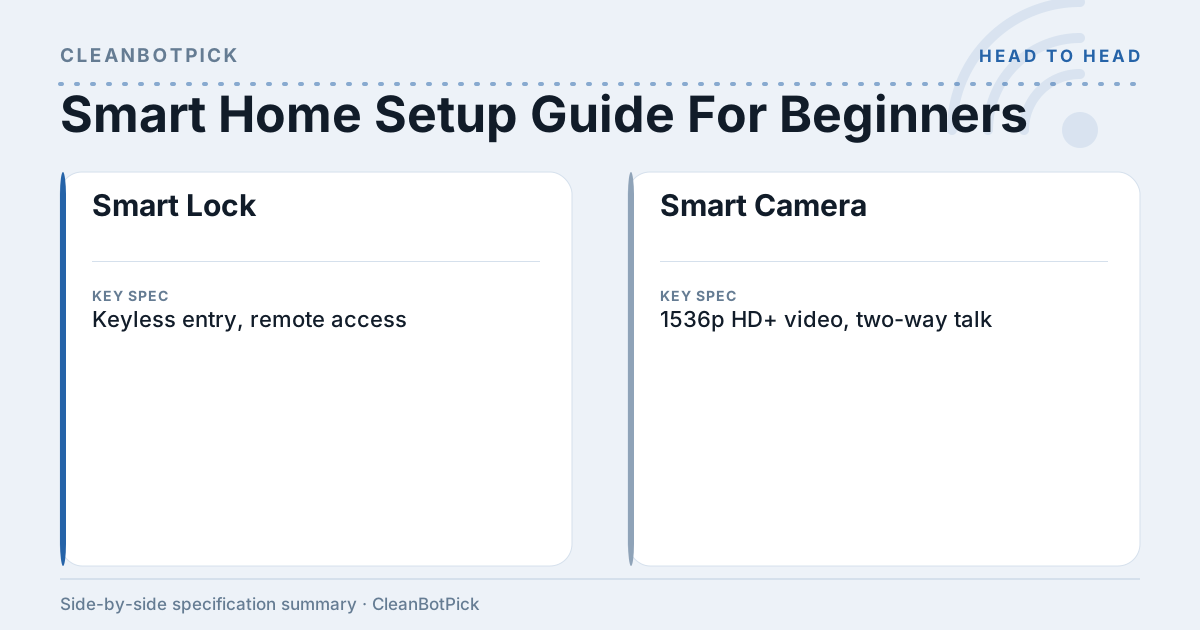
| Smart Lock | August Wi-Fi Smart Lock (4th Gen) | Mid-range | Keyless entry, remote access |
| Smart Camera | Ring Battery Doorbell Pro | Premium | 1536p HD+ video, two-way talk |
- Pros: Increased security, remote monitoring.
- Cons: Higher cost, potential privacy concerns.
FAQ
1. How much does it cost to set up a smart home? A basic setup runs $200-$500, but costs vary wildly based on your device choices.
2. Are smart home devices easy to install? Most come with straightforward setup guides. If you can install a light bulb, you can handle most smart devices.
3. Do I need a hub for all smart devices? Not all devices need one, but a hub gives you centralized control and better compatibility.
4. Can I control smart home devices when I’m away from home? Yes, as long as they’re connected to Wi-Fi and you have the app.
5. Are smart home devices secure? Reputable brands prioritize security, but you need to do your part—strong passwords and software updates are non-negotiable.
Bottom Line
A smart home can seriously upgrade your daily life through convenience, security, and energy savings. Start small with the essentials and expand as you get comfortable. Just remember to prioritize compatibility and security from day one.